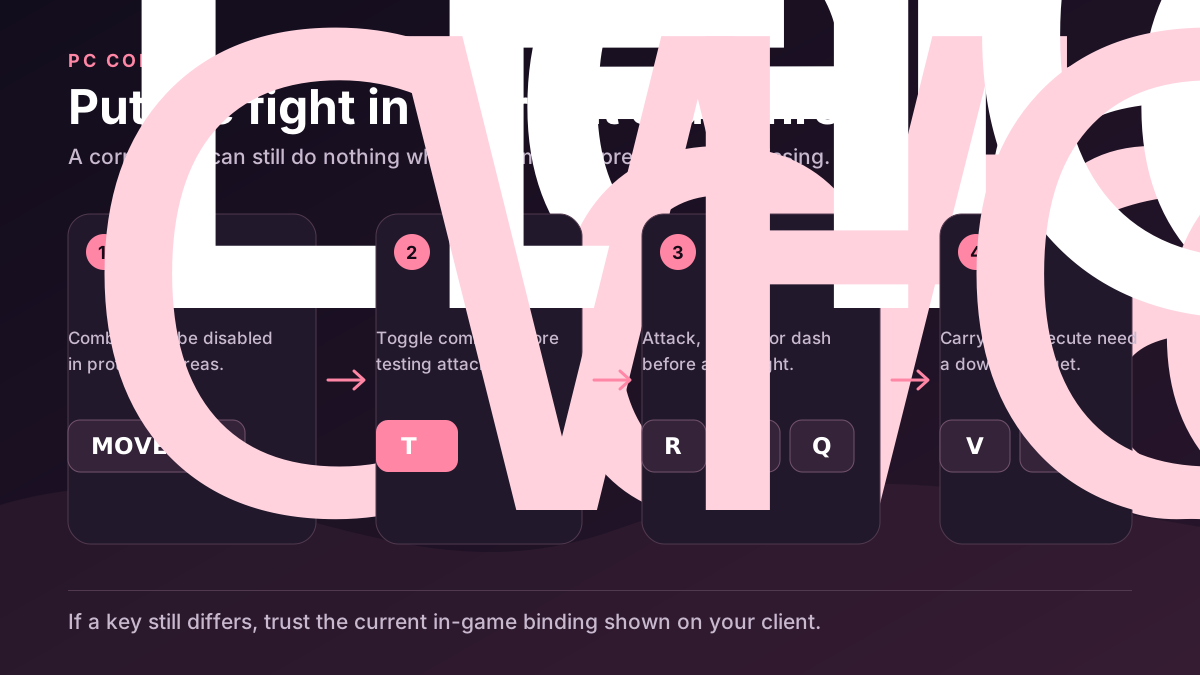
On PC: hold Shift to sprint, press T for combat stance, M1 to attack, R for heavy attack, hold F to block, Q to dash, V to carry, B to execute, Left Alt for the phone, and Ctrl for Shift Lock. If R or F behaves differently, check your current bindings before fighting.
PC keyboard and mouse only. Mobile and controller mappings are not verified.
Primary combat keys
| Action | Default | State / use |
|---|---|---|
| Combat stance | T | Toggle before attacking |
| Light attack | M1 / Left click | Combat stance |
| Heavy attack | R | Check settings if R does nothing |
| Block / parry setup | F (hold) | Exact parry release/tap timing is disputed |
| Dodge / dash | Q | Combat movement |
Put the game in the right state first
Press T outside a protected area and confirm your stance changes.
Use one M1, then R, so you know which input your current build treats as heavy.
Hold F and watch the defensive state before testing parry timing.
Use Q once while moving and confirm the dash fires before relying on it in combat.
Carry with V or execute with B only after the target is downed; neither action should be expected on a standing target.
If a key behaves differently
| Input | Default | What to check |
|---|---|---|
| Heavy | R | Some players report M2; check the current in-game bindings |
| Parry | Hold F to block | Test tap and release timing in a safe practice situation before a real fight |
| Phone | Left Alt | If Alt fails after an update, inspect current controls instead of cycling guessed keys |
When an input appears broken
Confirm T stance is active before testing M1 or R.
Test outside green or protected areas where combat may be disabled.
Reset only the affected binding in the current game settings.
If one key still differs, use the binding shown in your current game settings.
Complete PC key map
| Action | Default | Required state |
|---|---|---|
| Sprint | Shift (hold) | While moving |
| Combat stance | T | Outside protected areas |
| Light attack | M1 / Left click | Combat stance |
| Heavy attack | R | Combat stance; verify the current binding |
| Block / parry setup | F (hold) | Combat stance; exact parry timing remains unverified |
| Dodge / dash | Q | Combat movement |
| Carry downed player | V | Target must be downed |
| Execute downed player | B | Target must be downed |
| Open phone | Left Alt | Utility |
| Shift Lock | Ctrl | Camera control |
FAQ
Is this a mobile or controller map?
No. These controls are for PC keyboard and mouse only.
Is R definitely heavy for every player?
R is the default shown here, but some players report M2. Check your current heavy-attack binding after updates.
Sources & last checkedAug 2, 2026
- Cross-checkedCommunity reference
- Cross-checkedCommunity reference
- Cross-checkedVerification record
- Pending verificationWatch on YouTube